
 CAD
CAD
Why Your Underwater Photos Look Too Dark and How to Fix Them
Underwater Exposure Troubleshooting
Underwater photos look too dark when the camera records too little ambient light, the subject is beyond the strobe’s effective range, or both. The solution starts with identifying which part of the frame needs more light.
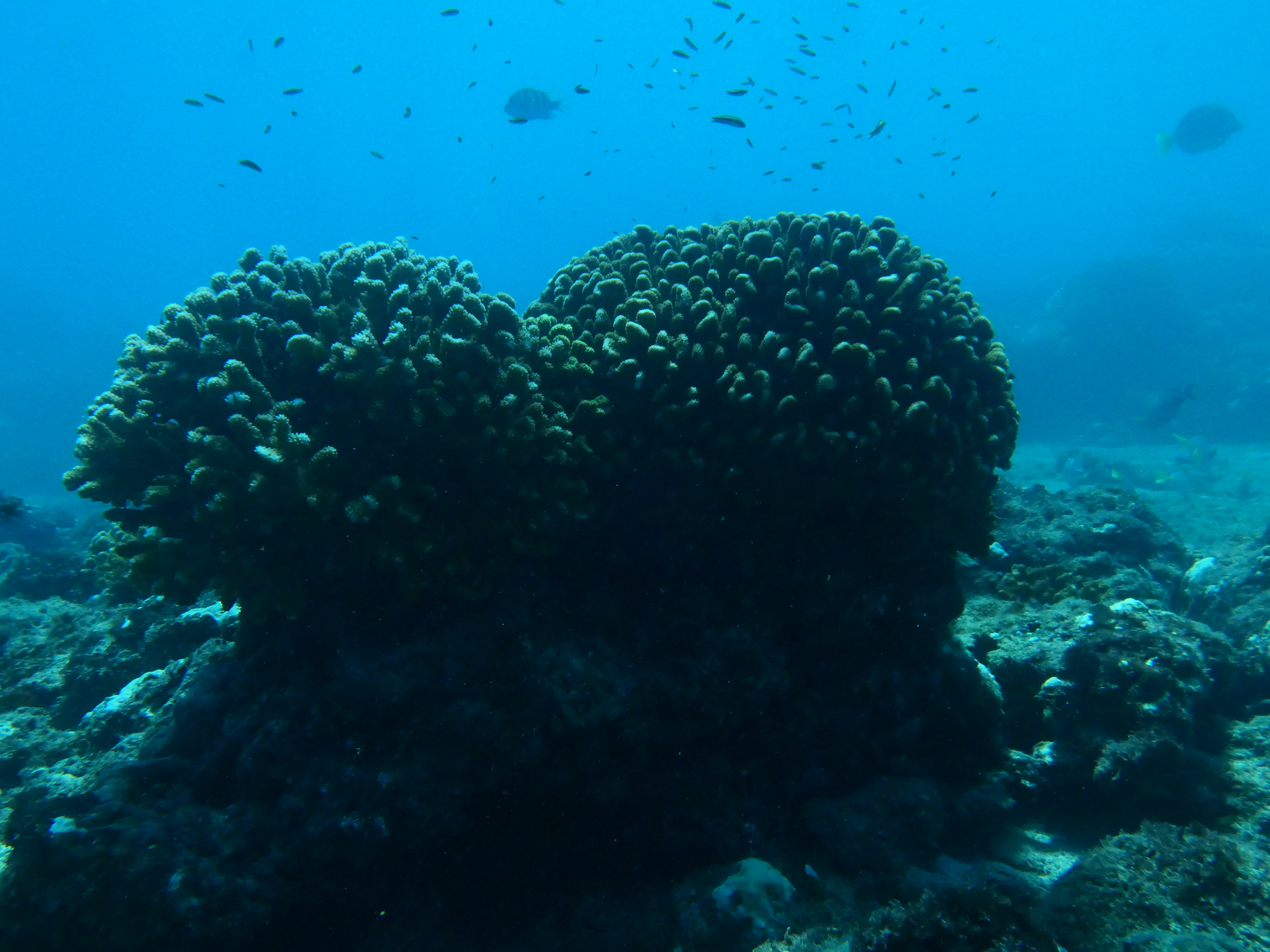
Quick answer: If the whole photo is dark, let more ambient light reach the sensor by opening the aperture, using a slower safe shutter speed, or raising ISO carefully. If only a nearby subject is dark, get closer and add controlled strobe light. Change one setting at a time so you can see what each adjustment does.
Why Underwater Photos Look Too Dark
Water absorbs and scatters light. As depth and camera-to-subject distance increase, less light and fewer warm colors reach the camera. Consequently, a reef may appear almost black, while a fish that looked colorful to your eyes may record as blue, green, or muted.
Exposure settings also divide the scene into two related parts. Ambient light largely controls the water, surface, and distant background. Meanwhile, an underwater strobe mainly affects a close foreground subject that lies within the beam’s effective range.
Before changing anything, review the frame and ask one question: Is my subject dark, or is the entire scene dark? That distinction tells you whether to adjust the camera’s exposure, the subject distance and artificial light, or a combination of both.
A Simple Baseline
Start With Basic Underwater Camera Settings
In Manual mode, the following settings provide a clear starting point in reasonably bright conditions. They are not universal rules; instead, use them as a baseline and adjust for the depth, visibility, subject movement, lens, and available light on your dive.
Shutter Speed
1/125 sec
A useful balance between ambient light and protection from camera or subject movement.
Aperture
f/5.6
A practical starting point that lets in useful light while retaining moderate depth of field.
ISO
100
A clean starting value in bright water; raise it only when aperture and shutter speed cannot provide enough exposure.
You do not need to master every setting at once. Remember this practical distinction: shutter speed has a strong influence on the ambient-light background, while aperture and ISO affect the entire exposure. Strobe power and distance then shape the light on a nearby subject.
Fix 1-3: The Entire Frame
If the Whole Underwater Photo Is Too Dark
When both the subject and background are dark, begin with camera exposure. First, open the aperture from f/8 to f/5.6 or f/4. A smaller f-number represents a wider opening, so more light reaches the sensor.
Next, consider a slower shutter speed. Moving from 1/250 to 1/125 second allows more ambient light into the frame. However, avoid going unnecessarily slow when you or the subject is moving, because motion blur can replace one problem with another.
Finally, raise ISO in small steps if the scene remains underexposed. Modern cameras can often tolerate a moderate ISO increase, but test your own camera because higher values can reveal more noise and reduce fine detail.
Fix 4: Light the Foreground
If the Subject Is Dark but the Background Looks Good
When the water already has the brightness and color you want, changing the full exposure can ruin the background. Instead, keep that ambient-light exposure and use the strobe to restore color and contrast on the close subject.
Start at low or medium power, aim the beam edge toward the subject, and take a test frame. If the subject remains dark, confirm that the flash actually fired and that the beam reaches the subject before increasing output.
The goal is to light the subject, not all the water between the camera and the subject.
Fix 5: Reduce the Water Column
Get Closer Before Adding More Strobe Power
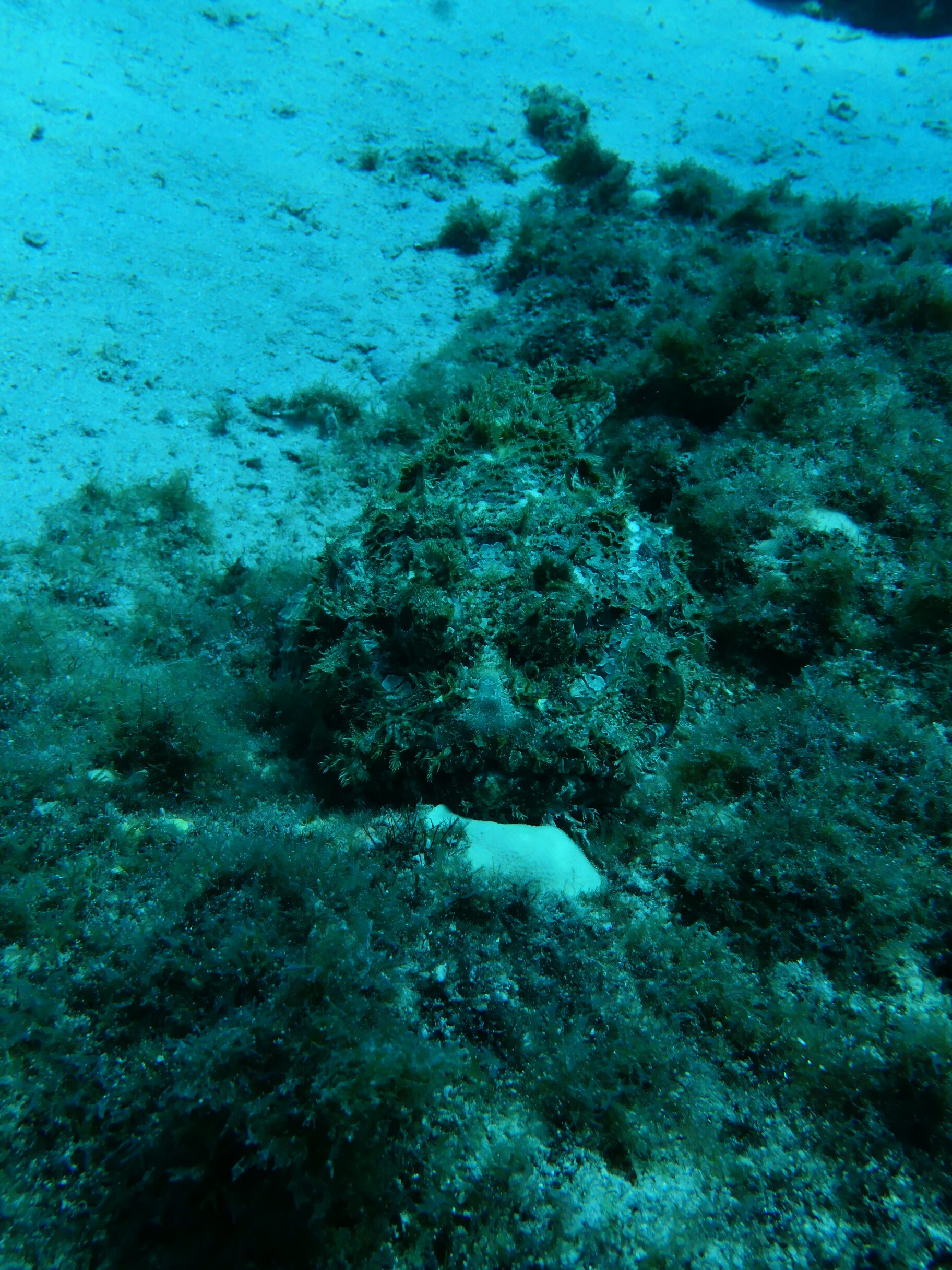
Getting closer is one of the most effective ways to fix dark underwater photos. Less water between the camera and subject means less light loss, fewer suspended particles in the beam, stronger color, better contrast, and more apparent detail.
If a strobe is too far from the subject, extra power may brighten particles without delivering attractive light where it is needed. Move closer safely, recompose, and then fine-tune the strobe. Never touch the reef, crowd an animal, or sacrifice buoyancy control for the photograph.
Get close. Then light the subject.
Fix 6: Use Available Light Deliberately
What If You Are Shooting Without a Strobe?
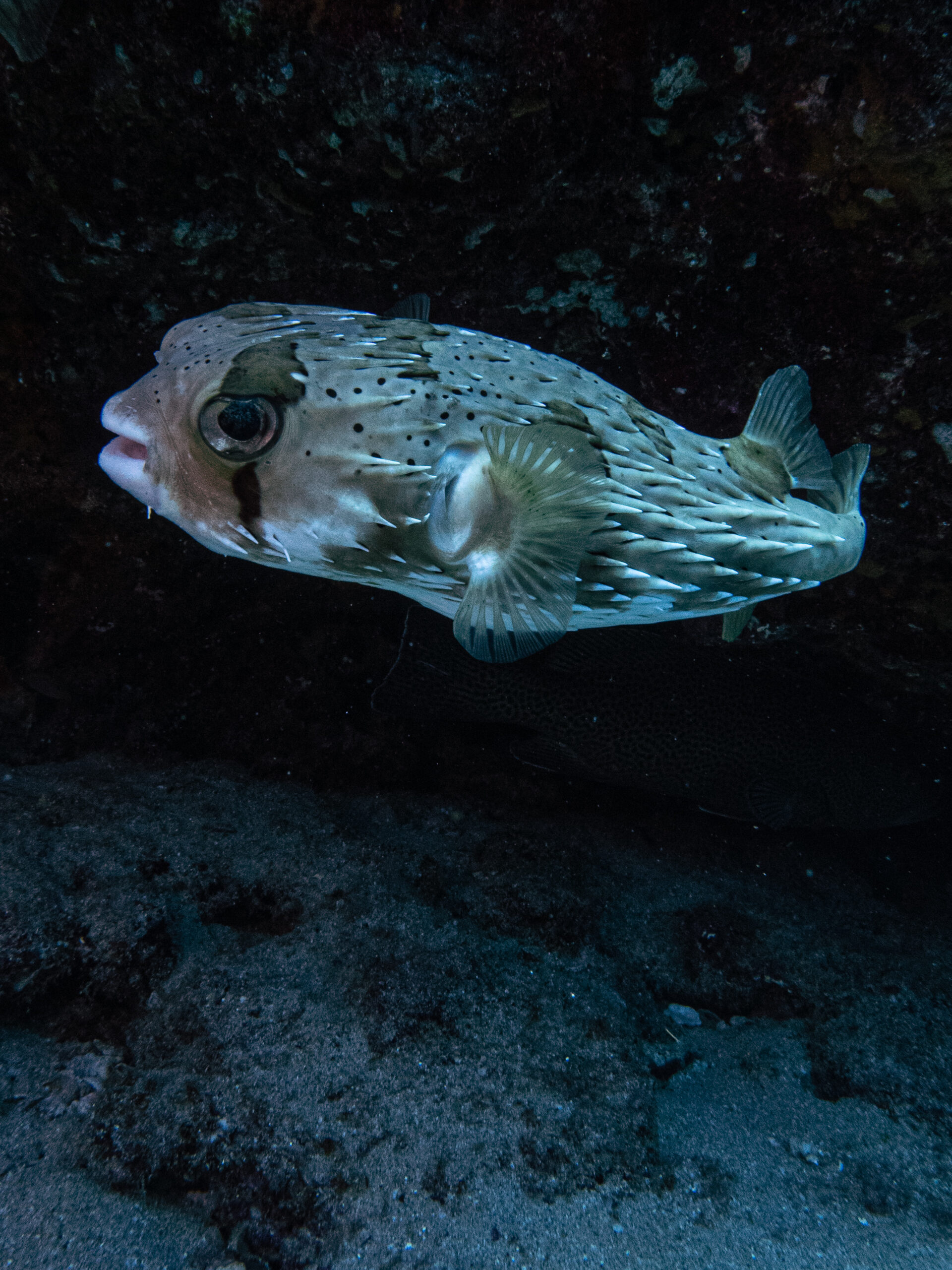
Without a strobe, the camera must work entirely with the light available underwater. Begin near 1/125 second, f/5.6, and ISO 100 in bright conditions. Then adjust gradually after reviewing the image and histogram.
If the frame is dark, open the aperture or raise ISO in small increments. You may also use a slower shutter speed for a still subject and a stable camera, but keep enough speed to control motion blur. As a general safety point, avoid dropping below roughly 1/60 second when handholding unless the subject and camera are exceptionally steady.
Position also matters. In shallow water, shoot with the sunlight working for you, watch for surface reflections, and move around the subject instead of relying only on settings. For a deeper explanation, read Mozaik’s guide to natural light underwater photography.
Fix 7: Diagnose Before You Adjust
Dark Underwater Photo Troubleshooting
| What You See | Likely Cause | First Adjustment |
|---|---|---|
| Everything is dark | Too little ambient exposure | Open the aperture, slow the shutter safely, or raise ISO |
| Background is good, subject is dark | The subject needs foreground light | Get closer, check strobe aim, then adjust output |
| Subject is bright, background is black | Flash dominates while ambient exposure is too low | Let in more ambient light and reduce strobe power if needed |
| Image is bright but blurry | Shutter speed is too slow for the movement | Use a faster shutter speed and compensate with aperture or ISO |
| Bright dots fill the frame | The strobe lights particles in front of the lens | Move closer and angle the strobe away from the lens axis |
Practice on Your Next Dive
Run a Three-Frame Exposure Test
Find a stationary subject without disturbing marine life. Take the first frame at 1/125 second, f/5.6, and ISO 100. For the second frame, change only the aperture to f/4 and compare the overall brightness.
Next, return to f/5.6, move closer while maintaining safe buoyancy, and make the third frame. If you have a strobe, add a low-power flash after establishing the ambient exposure.
Review the three images side by side. Because you changed one variable at a time, the effect of aperture, distance, and artificial light will be much easier to recognize.

Dark Underwater Photography FAQs
Should I increase strobe power when a photo is too dark?
Only when the nearby subject needs more flash and the beam already reaches it. If the entire scene is dark, adjust ambient exposure. If the subject is distant, get closer before adding power.
Which setting brightens the blue-water background?
A slower shutter speed is often the most direct adjustment because it admits more ambient light without changing a strobe’s brief flash exposure as strongly. Aperture and ISO also brighten the entire image.
Why is my subject colorful but the background is black?
The strobe is lighting the foreground, but the camera is recording too little ambient light. Use a slower safe shutter speed or another exposure adjustment, then rebalance the flash.
Can I fix a dark underwater photo while editing?
Minor underexposure can often be improved, especially with a RAW file. Nevertheless, severe brightening may reveal noise, weak color, and lost shadow detail, so a better in-camera exposure remains preferable.
The Takeaway
Fix the right part of the exposure
A dark underwater photo does not automatically mean you need a stronger strobe or a new camera. Sometimes the camera simply needs more ambient light. In other situations, the background is fine and only the close subject needs added color and contrast.
Diagnose the frame, adjust one variable, and take another photograph. Above all, get close safely before asking your strobe to work harder.
Build a More Reliable Underwater Lighting Setup
Compare underwater strobes, video lights, and camera systems designed to give you better control over exposure and color below the surface.
About the Author
Mari Herrarte
Mari has been diving for 15 years and loves spending time in the ocean, surrounded by nature. She is also passionate about photography and capturing the beauty she discovers underwater.
- Cabo Pulmo Diving: A Beginner’s Guide – September 28, 2026
- How to Adjust Underwater Camera Settings as Conditions Change – September 22, 2026
- Why Your Underwater Photos Look Too Dark and How to Fix Them – September 16, 2026