
 CAD
CAD
When to Use an Underwater Strobe with Natural Light
Ambient and Artificial Light Guide
Knowing when to use an underwater strobe is less about adding the most light and more about choosing which part of the scene needs help. Natural light creates the environment, while a carefully controlled strobe restores color and detail to a nearby subject.
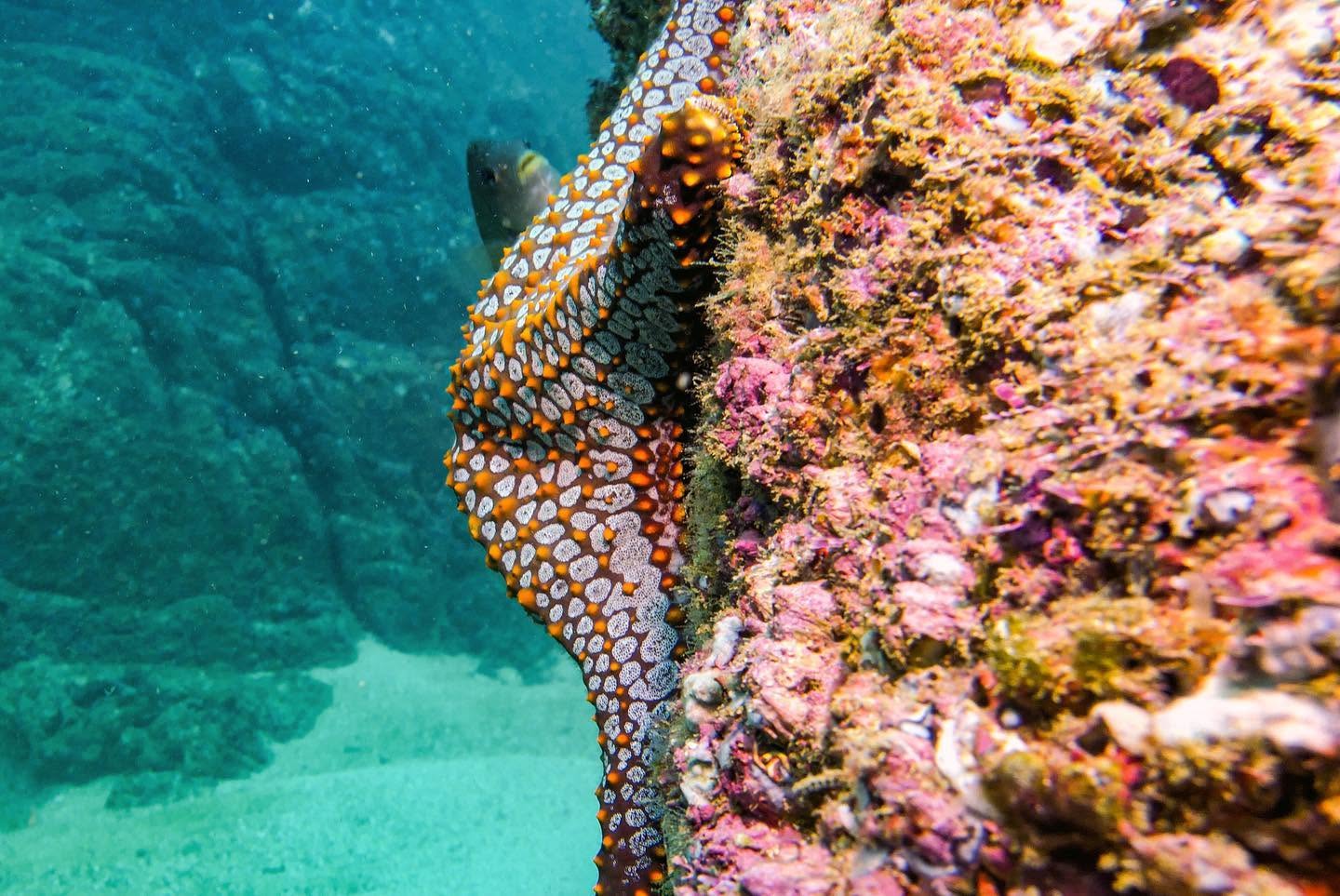
Quick answer: Use an underwater strobe when a nearby subject needs richer color, more contrast, or help freezing motion. Expose the camera for the ambient-light background first. Then add only enough strobe power to illuminate the subject without making it look disconnected from the rest of the scene.
Natural Light Is Beautiful, but It Is Not Always Enough
In the previous guide, we explored how ambient light can create spacious blue backgrounds, silhouettes, and natural underwater scenes. However, sunlight loses strength and warm color as it travels through water.
A large animal in shallow, clear water may look wonderful without artificial light. Meanwhile, a colorful fish, coral formation, or small subject nearby may appear flat, blue, or green because the reds, oranges, and yellows no longer reach it strongly enough.
That is where a strobe becomes useful. Instead of trying to light the entire ocean, you use the brief flash to illuminate the subject within its effective range.
Ambient Light First
What Natural Light Controls
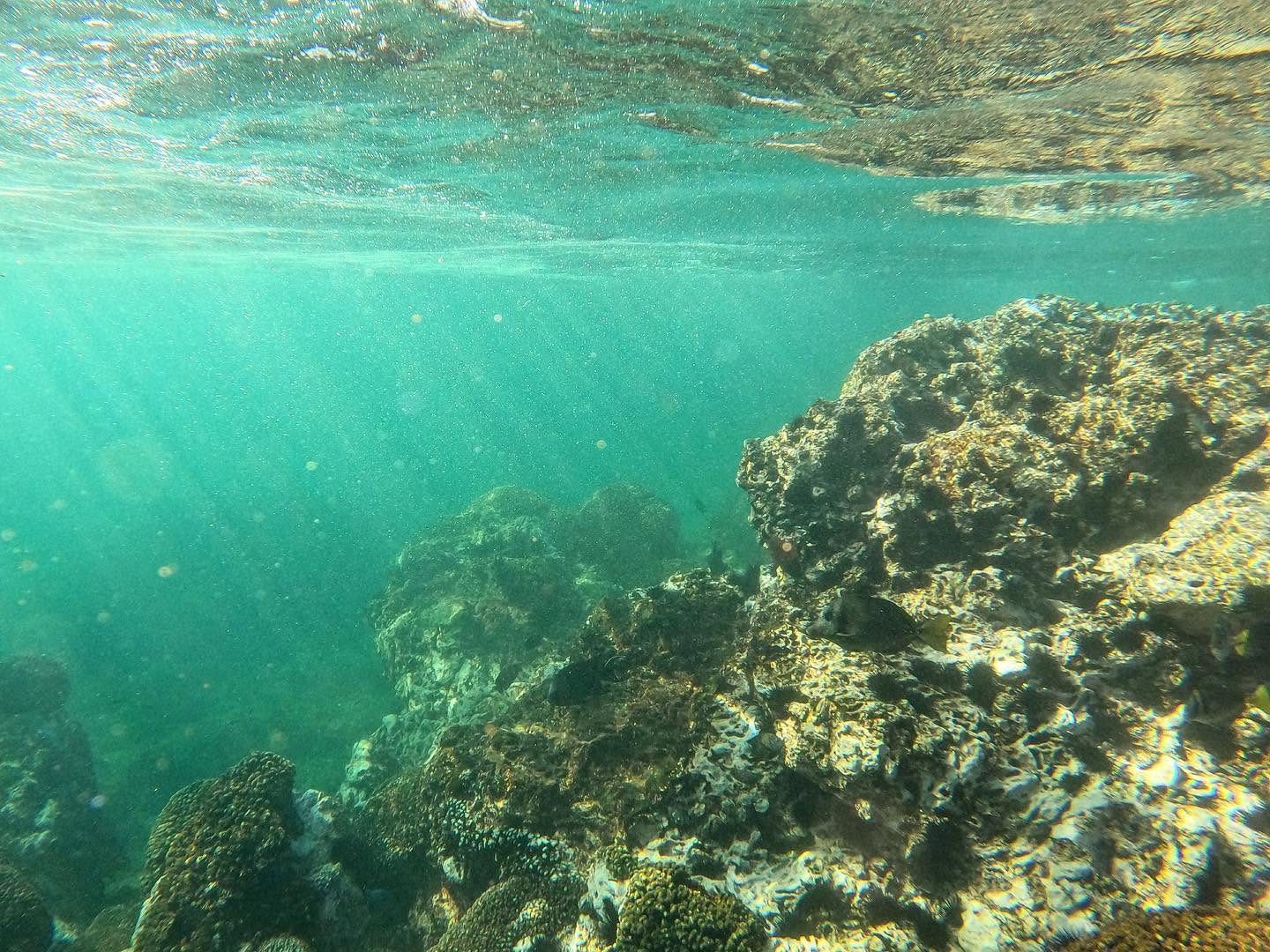
Ambient light determines the overall environment: the brightness of the water, the appearance of the surface, the blue or green background, and the visibility of distant scenery.
Your shutter speed has a strong influence on this background. A faster shutter speed darkens the available-light portion of the image, while a slower speed lets more ambient light reach the sensor. Aperture and ISO also affect the entire exposure.
Before turning on the strobe, decide how bright and colorful you want the surrounding water to appear.
When to Use an Underwater Strobe
A strobe works best when the subject is close enough for the flash to reach it effectively. Consider adding artificial light in these situations:
Restore Color
The subject looks blue or green
A controlled flash can reveal reds, oranges, yellows, and subtle textures that available light no longer records clearly.
Add Separation
The subject blends into the reef
Additional contrast helps the main subject stand out from a busy or similarly colored background.
Freeze Motion
The nearby subject is moving
The short flash duration can help preserve detail on fish and other moving subjects when strobe light is the dominant light on them.
Shape the Light
You want texture and direction
Moving the strobe above or to the side can create dimension instead of the flat appearance produced by direct frontal light.
Two Parts of One Exposure
Balance Ambient Light and Strobe
You do not always have to choose between natural and artificial light. Think of ambient light as creating the environment and the strobe as adding color and detail to the foreground subject.
For example, expose the camera so the water remains a rich blue. Next, add enough strobe light to restore warm tones in a nearby fish or coral. The result often feels more natural than flooding the whole frame with artificial light.
The goal is not maximum brightness. The goal is a believable relationship between the subject and its surroundings.
A Repeatable Starting Method
How to Add Strobe Light Step by Step
Step 1
Turn the strobe off
Build the ambient exposure first. Adjust the camera until the water and distant background have the brightness you want.
Step 2
Get close safely
Reduce the water between the camera and subject without chasing, touching, or blocking the animal’s path.
Step 3
Position the strobe off-axis
Move it away from the lens and aim the softer edge of the beam toward the subject rather than straight through the water column.
Step 4
Start with modest power
Take a test frame at low or medium output. Then increase power only if the subject still needs more light.
Step 5
Review subject and background
Check highlights, color, visible particles, and the blue-water exposure. Change one variable at a time.
Step 6
Fine-tune the balance
If the subject looks pasted onto a dark scene, reduce strobe power or brighten the ambient background.
For practical starting positions, review Mozaik’s guide on how to position underwater lights and strobes.
What About Backscatter?
Every stretch of water between the port and the subject contains suspended particles. When a strobe illuminates those particles from near the lens, they can reflect light back into the camera and appear as bright dots or haze.
Getting closer is often the first and most effective adjustment. Less water means fewer particles in the light path. In addition, moving the strobe away from the housing and angling it outward helps keep the strongest part of the beam from lighting the water directly in front of the port.
Before increasing power, ask whether you can safely reduce the camera-to-subject distance or improve the strobe angle. More output is rarely the best solution when the beam is aimed through particle-filled water.
Strobe and Ambient Light Troubleshooting
| What You See | Likely Cause | First Adjustment |
|---|---|---|
| Subject is too bright | Strobe output is too strong or the strobe is too close | Reduce power, increase distance, or feather the beam |
| Background is nearly black | Too little ambient light reaches the sensor | Use a slower safe shutter speed or adjust aperture and ISO |
| Subject remains blue | Flash is missing the subject or lacks effective range | Get closer and confirm the beam angle before adding power |
| Bright particles fill the frame | The strobe is lighting water directly in front of the lens | Move the strobe wider, angle it outward, and reduce distance |
| Lighting looks flat | The strobe is too close to the lens axis | Raise or move it to the side to create gentle direction |
Practice on Your Next Dive
Compare the Two Techniques
Choose a cooperative subject and first photograph it using only ambient light. Pay attention to the blue background, sunlight direction, subject position, and shutter speed.
Next, photograph a similar composition with the strobe. Keep the background exposure consistent and add only enough flash to reveal color and detail.
Compare the frames later. Natural light and strobe are not competing techniques; instead, they create different photographs and can work together in the same exposure.
Underwater Strobe and Natural Light FAQs
Do I need an underwater strobe in shallow water?
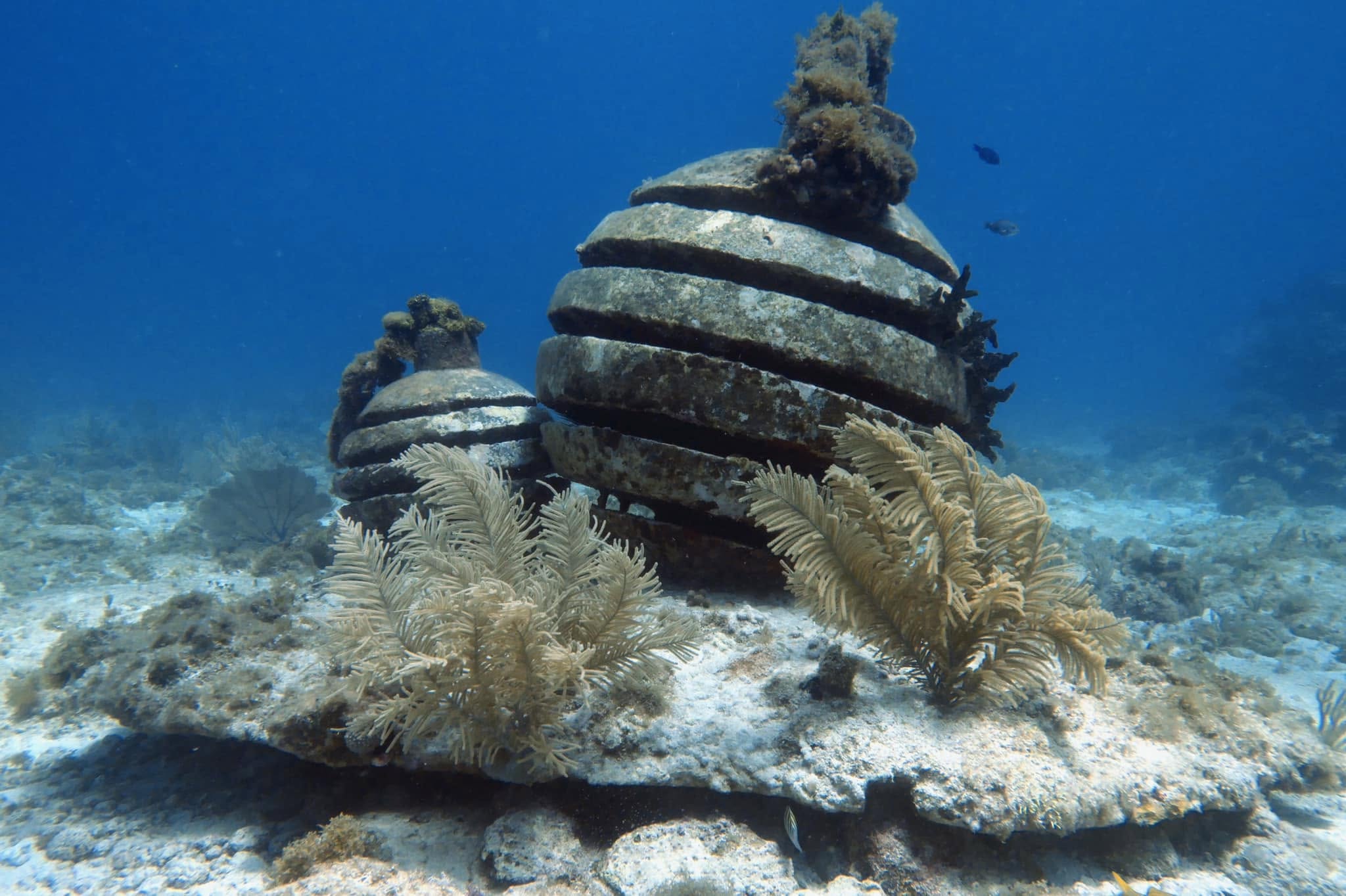
Not always. Shallow, clear water may provide enough natural light for large subjects and environmental scenes. A strobe becomes helpful when a nearby subject needs warmer color, contrast, or controlled foreground light.
Should I expose for the background or the subject first?
Start with the ambient-light background. Once the water has the brightness and color you want, turn on the strobe and adjust its power for the foreground subject.
How do I reduce backscatter from an underwater strobe?
Get closer, move the strobe away from the lens, and angle it so the beam edge reaches the subject without lighting the water directly in front of the port.
Why does my strobe-lit subject look unnatural?
The flash may be too strong relative to the ambient background. Reduce strobe power, feather the beam, or brighten the background until both parts of the exposure feel connected.
The Takeaway
Use additional light intentionally
Underwater photography is not always about adding more light. Sometimes it is about understanding the sunlight already available and choosing a position that makes the most of it.
Then, when artificial light adds something meaningful, get close and light the subject rather than the entire scene. On another dive, you may discover that the natural light is already enough.
Add Color and Control to Your Underwater Photos
Compare underwater strobes and choose an arm system that lets you adjust distance and angle throughout the dive.
About the Author
Mari Herrarte
Mari has been diving for 15 years and loves spending time in the ocean, surrounded by nature. She is also passionate about photography and capturing the beauty she discovers underwater.
- Cabo Pulmo Diving: A Beginner’s Guide – September 28, 2026
- How to Adjust Underwater Camera Settings as Conditions Change – September 22, 2026
- Why Your Underwater Photos Look Too Dark and How to Fix Them – September 16, 2026