
 CAD
CAD
How to Adjust Underwater Camera Settings as Conditions Change
Underwater Camera Settings Guide
Learning how to adjust underwater camera settings is more useful than searching for one perfect combination. Light, depth, visibility, and subject movement change throughout a dive, so the best response is usually one small, intentional adjustment.
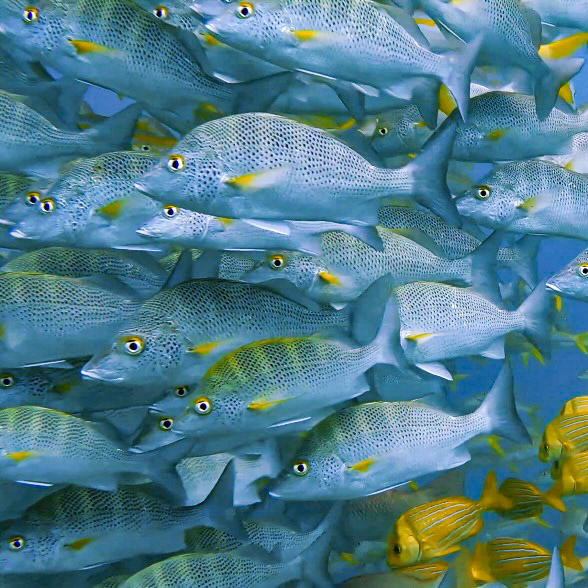
Quick answer: Begin with a reliable baseline, review the photograph, and identify the specific problem. If the background is dark, adjust ambient exposure. If the subject is dark, check distance, strobe aim, and power. If the subject is blurry, use a faster shutter speed. If particles fill the frame, get closer and reposition the lights. Change one variable at a time.
Why Underwater Conditions Change So Quickly
A dive may begin in bright, clear water and change within minutes. A cloud can cover the sun, the route may pass behind a reef, or a descent can reduce the available light. Visibility can also change with current, sand, plankton, or other divers.
Subjects change just as quickly. A patient sea turtle may be replaced by a fast-moving fish, or a wide reef scene may lead to a close portrait. Each situation places different demands on exposure, focus, shutter speed, and artificial light.
Therefore, the goal is not to lock the camera into one supposedly perfect setup. Instead, learn to recognize what changed and adjust only the control that addresses the problem.
Build a Reliable Baseline
Give Yourself a Starting Point
When shooting in Manual mode without knowing exactly what the dive will bring, a familiar baseline reduces guesswork. In moderately bright conditions, try the following as a practical starting point rather than a fixed rule:
Shutter Speed
1/125 sec
A balanced starting point for handheld shooting and subjects that are not moving rapidly.
Aperture
f/5.6
A useful compromise between incoming light and depth of field for many compact-camera situations.
ISO
100
A clean starting value in bright water that can be raised when the conditions require more sensitivity.
If you use strobes, begin at low or medium output and evaluate a test frame. The numbers will change with the camera, depth, lens, light, and subject, but a repeatable baseline makes it easier to understand each later adjustment.
Before Touching the Dials
Decide What the Photograph Actually Needs
Take a photograph, review the screen and histogram, and name the problem before changing settings. Is the subject dark? Is only the blue-water background dark? Is the animal blurry? Are suspended particles reflecting the strobes?
That diagnosis is more useful than asking for the correct settings, because different problems require different solutions. Increasing strobe power will not brighten distant blue water, while slowing the shutter may brighten the background but introduce blur on a fast subject.
Identify the problem first. Then change the control that affects that part of the image.
Adjustment 1: Ambient Light
The Subject Looks Good, but the Background Is Too Dark
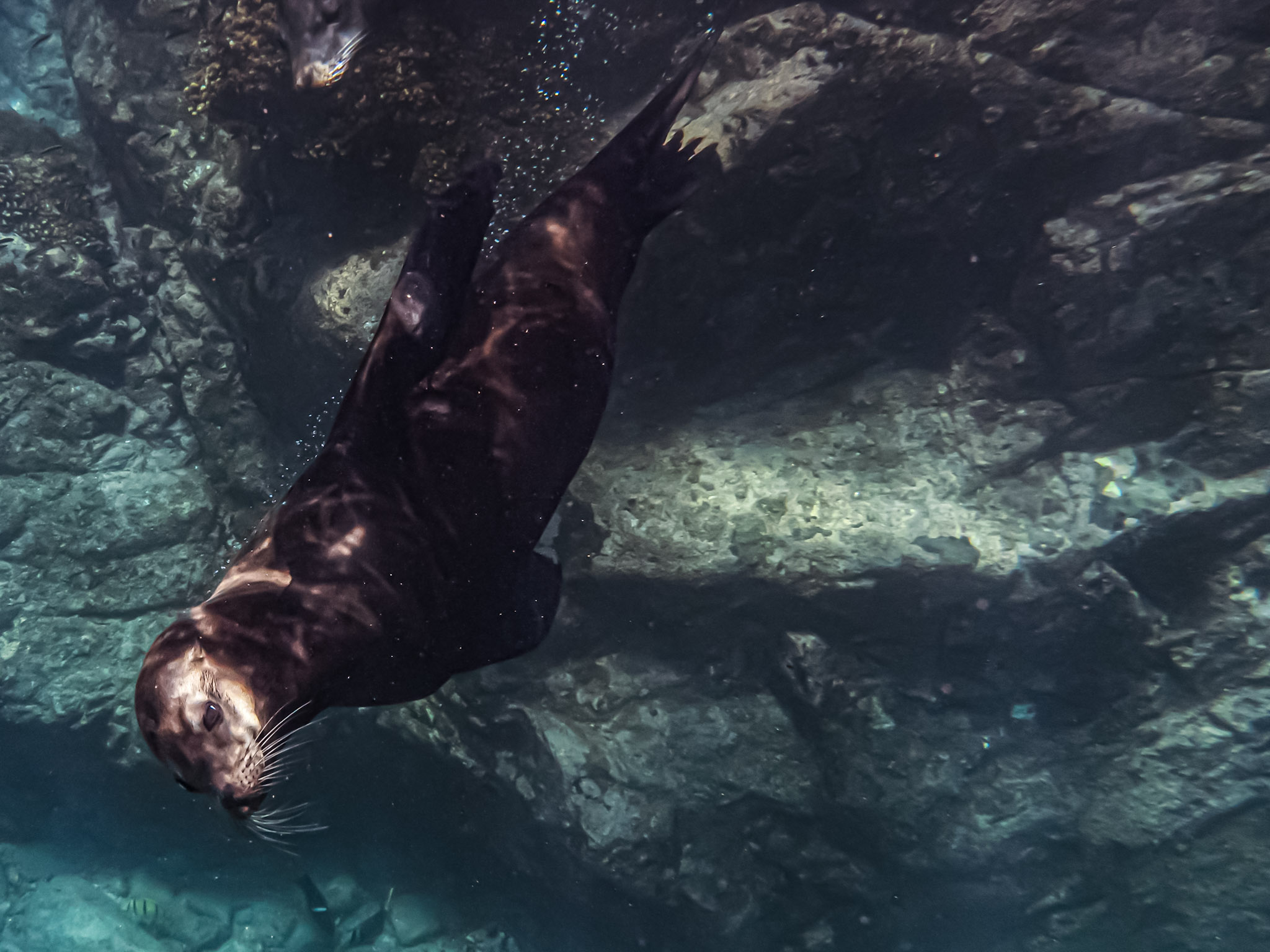
If the strobes illuminate the fish, diver, or sea lion correctly but the water behind it looks nearly black, the strobes are already doing their job. The camera simply needs to record more ambient light.
Try moving from 1/125 to 1/100 or 1/80 second and take another frame, provided the subject is slow enough. A slower shutter speed brightens the ambient-light portion of the scene more directly than increasing flash power.
You are adjusting the background, not the strobe-lit subject.
Adjustment 2: Distance and Light
The Background Looks Good, but the Subject Is Dark
When the water has the desired brightness but a nearby subject appears dark, do not immediately increase strobe power. First check how much water separates the lens, light, and subject.
Water absorbs light and reduces contrast. Moving safely closer can improve color and detail while requiring less flash output. It also reduces the number of suspended particles between the port and subject.
If the distance is already appropriate, confirm where the strobe beam lands. Then adjust power or aperture in small steps. Avoid chasing or crowding wildlife, and never compromise buoyancy or reef safety for the photograph.
Get close. Then light the subject.
Adjustment 3: Visibility and Strobe Angle
Adapt to Bad Visibility Without Adding More Backscatter
On low-visibility dives, the first photograph may look as though it is snowing. Those bright dots are often suspended particles reflecting artificial light back toward the lens.
Adding more power can make the problem worse. Instead, reduce the water column by moving closer, move the strobes away from the lens axis, and angle them so the softer edge of each beam reaches the subject without lighting the water directly in front of the port.
In difficult water, remember one principle: light the subject, not the water between you and it. For practical diagrams and examples, use Mozaik’s guide on how to position underwater lights and strobes.
Adjustment 4: Protect Sharpness
When the Subject Will Not Stay Still
A shutter speed that works for coral may be too slow for a swimming fish or playful sea lion. If stationary subjects look sharp but moving animals look blurry, increase the shutter speed.
For example, move from 1/80 toward 1/125, 1/160, or 1/200 second if the camera and strobe synchronization allow it. A faster shutter reduces recorded ambient light, so you may need to open the aperture, raise ISO modestly, or accept a darker background.
Technique matters as much as settings. Watch the animal before shooting. Many marine animals repeat movements, follow a direction, or return to the same area. Anticipating the subject often produces a better composition than reacting after it has already passed.
Quick Underwater Adjustment Guide
| What Changed | What You May See | First Adjustment |
|---|---|---|
| Cloud, shade, or greater depth | The whole image becomes darker | Open the aperture or raise ISO; slow the shutter only when movement allows |
| Dark blue-water background | The subject is lit but the water is nearly black | Use a slower safe shutter speed to record more ambient light |
| Subject moves faster | Motion blur appears on the animal | Increase shutter speed and compensate with aperture or ISO if necessary |
| Visibility becomes worse | Bright particles or haze fill the frame | Get closer, reposition the strobes, and avoid unnecessary power |
| Subject distance increases | Color and contrast disappear | Recompose closer rather than asking the strobe to light more water |
The Most Important Learning Habit
Do Not Fix Everything at Once
When a frame looks wrong, it is tempting to change shutter speed, aperture, ISO, strobe power, and strobe position together. The next photograph may look better, but you will not know which change solved the problem.
Instead, change one variable and take another frame. If the background is dark, work on ambient exposure. If the subject is dark, work on distance or lighting. If backscatter fills the scene, work on distance and strobe position.
This process turns each dive into useful practice without making it feel like a technical exercise. Over time, the connection between what you see and what you need to change becomes much faster.
Practice on Your Next Dive
Use a One-Change Comparison
Choose a subject that is not moving quickly. Take one photograph with your normal settings. Then change only one control, take another frame, and compare the previews.
Return to the original value before testing a different adjustment. For example, compare two shutter speeds while keeping aperture, ISO, composition, and light output as consistent as possible.
After several dives, you will rely less on memorized numbers. A dark background will suggest an ambient-light adjustment, backscatter will prompt you to examine distance and light position, and a fast subject will remind you to protect shutter speed.

Changing Underwater Conditions FAQs
What settings should I start with underwater?
In moderately bright conditions, 1/125 second, f/5.6, and ISO 100 can provide a simple Manual-mode baseline. Adjust it for your camera, depth, lens, light, visibility, and subject.
How do I brighten the background without overpowering the subject?
Use a slower safe shutter speed to record more ambient light, then keep the strobe power appropriate for the foreground subject. Review both parts of the exposure after each change.
What should I change when a swimming fish is blurry?
Increase shutter speed and anticipate the animal’s movement. If the faster shutter darkens the scene, compensate carefully with aperture, ISO, or foreground light.
Should I increase strobe power in poor visibility?
Not automatically. Extra power can illuminate more particles. First get closer, move the strobes away from the lens axis, and aim the beam edges toward the subject.
The Takeaway
Small adjustments create a repeatable process
Changing underwater conditions are normal. Your task is not to discover one perfect setting and keep it for the entire dive. Instead, notice what changed, identify the visible problem, and make the smallest useful adjustment.
With practice, this becomes intuitive. You will spend less time changing every control and more time observing the light, anticipating marine life, and creating the photograph you intended.
Build a Camera System You Can Control Underwater
Explore underwater camera packages and lighting systems that provide reliable access to the controls you need as conditions change.
About the Author
Mari Herrarte
Mari has been diving for 15 years and loves spending time in the ocean, surrounded by nature. She is also passionate about photography and capturing the beauty she discovers underwater.
- Cabo Pulmo Diving: A Beginner’s Guide – September 28, 2026
- How to Adjust Underwater Camera Settings as Conditions Change – September 22, 2026
- Why Your Underwater Photos Look Too Dark and How to Fix Them – September 16, 2026